
WCAG AA Audit Case Study: 7 Failing Checks to Zero
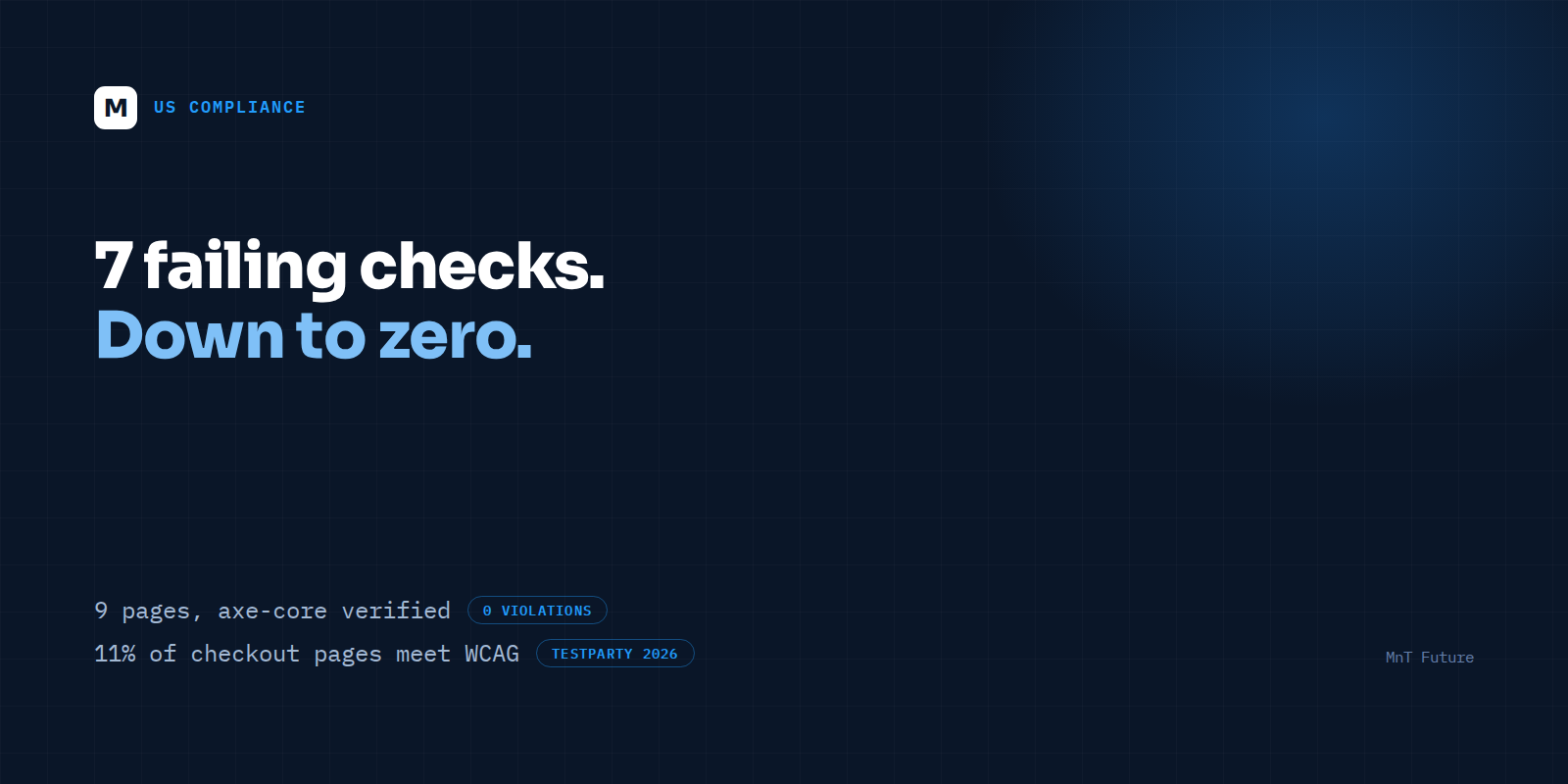
Your checkout page is probably one of the 89% that fails WCAG right now. That is not a guess — it is the finding from a 2025 ecommerce accessibility study covering carts and checkouts across the industry, and it lines up with what shows up in every audit MnT Future runs before touching a line of code.
It also explains why ADA web accessibility lawsuits keep climbing. TestParty's analysis of H1 2025 federal filings puts ecommerce sites at 69–77% of all cases — the single most-targeted category — with H1 2025 volume already up 37% over H1 2024. If that pace holds, 2026 filings could be the highest on record. And repeat litigation is rising too: 46% of H1 2025 cases named a defendant being sued for a second, third, or fourth time. Whatever these brands did the first time did not hold up.
The Overlay Trap
The fastest fix on the market is a JavaScript accessibility overlay — a script tag that promises instant compliance without touching your codebase. It is also the fix most likely to get you sued anyway. Twenty-five percent of 2024 ADA lawsuits targeted sites that already had an overlay installed. In January 2024, the FTC settled with overlay vendor accessiBe for $1 million over claims that its product delivered "automatic" ADA and WCAG compliance — the agency found those claims deceptive.
The technical reason overlays fail is structural, not a policy failure. An overlay can bolt a role="button" attribute onto a <div> that was never built as an interactive element, but it cannot add the keyboard handler, the focus state, or the aria-pressed toggle that a screen reader actually needs. It patches the symptom a scanner reports and leaves the underlying markup broken for the person trying to use it.
What We Actually Audited
Before recommending a fix, we ran a full WCAG 2.x AA assessment across nine key pages of a live storefront — homepage, category, product detail, cart, checkout, account, and search — combining automated scanning with manual keyboard and screen-reader testing. That combination matters: automated tools like axe-core are excellent at catching contrast ratios, missing labels, and malformed ARIA, but industry estimates put their real-world coverage at roughly 30 to 50 percent of actual WCAG issues. The rest — logical tab order, meaningful focus management, whether an error message actually gets announced — only surfaces under manual testing.
The initial pass found seven failing checks, measured against axe-core's rule set and confirmed by hand: two related to color contrast on secondary CTAs, two to missing or ambiguous form labels at checkout, one to keyboard traps in a modal product-image viewer, one to heading structure that skipped levels, and one to focus order that jumped users past the coupon field on mobile.
How the Fixes Were Made
Every fix went into the design system, not into a one-off patch on a single page. A contrast token that was off by a few points got corrected at the token level, so every component built from that token inherited the fix automatically. The checkout form got real, programmatically-associated labels instead of placeholder text standing in for them. The modal component got a proper focus trap with an escape path, tested with a keyboard alone, no mouse. Heading levels were corrected page by page to restore a logical outline for screen reader users navigating by heading — a pattern accessibility guidance consistently calls out as high-impact and commonly overlooked.
The Result
After remediation, the same nine pages were re-scanned and re-tested by hand: seven failing checks down to zero, verified with axe-core and confirmed manually — with no overlay script anywhere in the stack. The fixes live in the design system, which means every new page and component built on top of it inherits the same accessible baseline going forward, instead of accessibility being a project that ends the day the audit closes.
That last point is the part most remediation projects skip. A one-time fix to seven checks on nine pages is a snapshot. The tenth page added next quarter, built from the same corrected components, inherits the fix automatically instead of needing its own audit. That is the difference between compliance as a project and compliance as a property of how the store gets built.
What a Real Audit Actually Costs, Compared to What Litigation Costs
An overlay subscription runs roughly $490 to $1,490 a year for a small site — cheap, which is exactly the appeal. A design-system-level remediation costs more up front because it involves an engineer's time, not a script tag. But the comparison that matters is not overlay-price versus audit-price. It is audit-price versus the cost of a filing: legal fees, settlement, and — per the repeat-litigation data above — a real chance of being sued again within the year if the underlying markup never actually changed. Forty-six percent of H1 2025 defendants were repeat targets. An overlay does not remove you from that group. A design-system fix does.
Why This Is a Commerce Problem, Not Just a Legal One
Accessibility risk and conversion risk point the same direction. A checkout flow with keyboard traps and ambiguous labels does not just expose a brand to litigation — it loses orders from any shopper using a screen reader, voice control, or keyboard-only navigation, which is a larger share of traffic than most teams assume. Treating WCAG AA as a design-system requirement rather than a legal checkbox fixes both problems with the same work.
What does a real WCAG AA audit actually involve?
A real WCAG 2.x AA audit combines automated scanning — tools like axe-core, which catch roughly 30–50% of issues — with manual testing of keyboard navigation, screen readers, and focus order, then fixes root causes in the design system. It is not a JavaScript overlay layered on top of unfixed code.
If your last accessibility fix was a widget install, it is worth finding out what a real audit would find. MnT Future runs this exact WCAG 2.x AA assessment — automated plus manual, no overlay — as part of a free strategy session for US commerce brands who want to know where they actually stand before a filing tells them.