
AI-Built Stores Inherit the Web's Accessibility Failures
Your store went live in a weekend. An AI builder wrote the storefront, the cart looks right, and the first orders came in. Nothing you tested flagged a problem, because nothing you tested was looking at accessibility. A shopper using a keyboard or screen reader hits an unlabeled field at checkout and leaves, and you never see it in your analytics.
This is the quiet failure of AI-built stores. They are rarely broken in a way you can see. They are broken in a way a browser screenshot cannot show.
The web your AI learned from is mostly failing
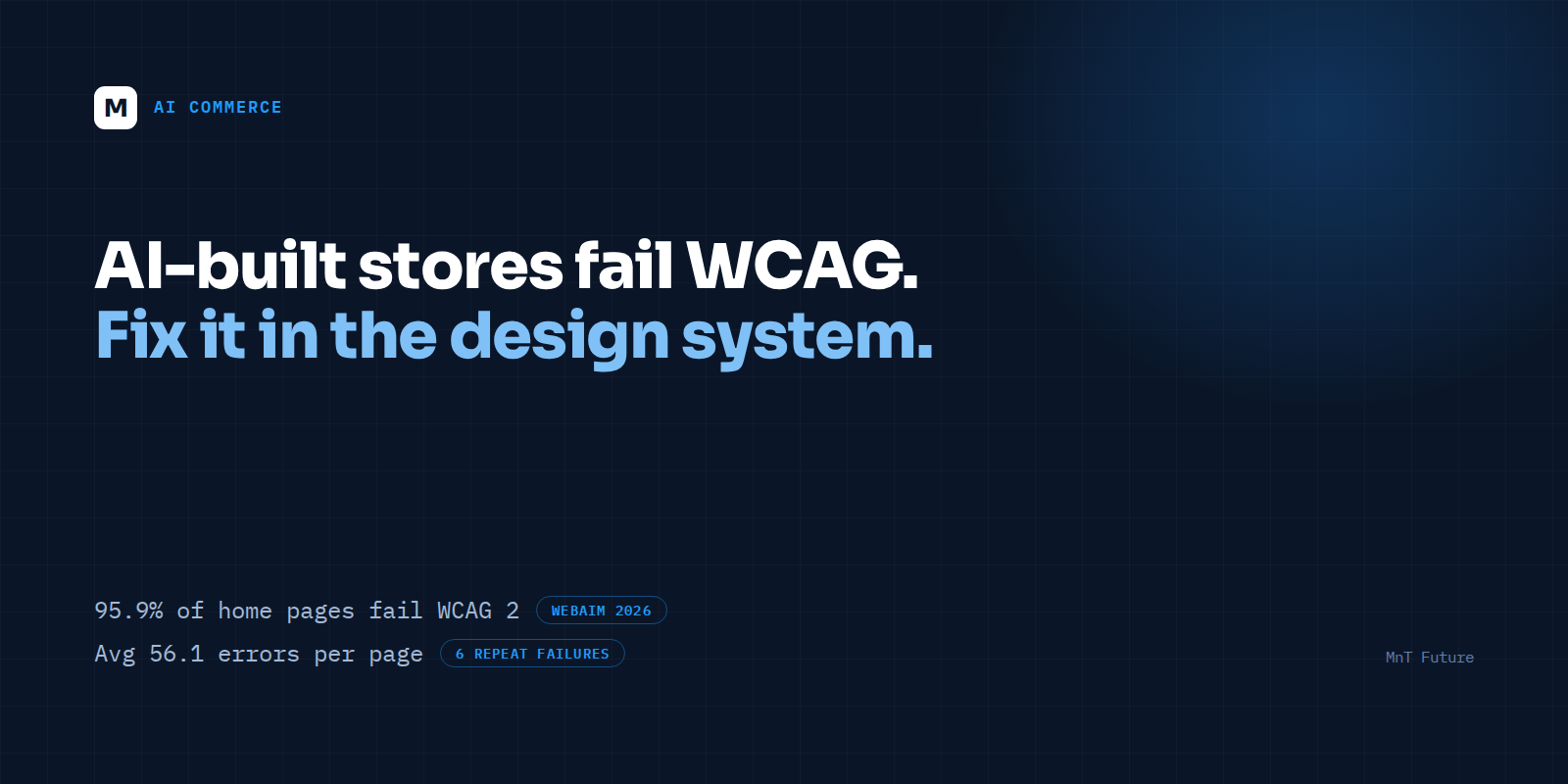
The WebAIM Million 2026 report, which scanned one million home pages, found WCAG 2 failures on 95.9% of them, up from 94.8% the year before. The average page carried 56.1 detectable errors, a 10.1% rise from 51 in 2025.
The same six failures dominate:
- Low-contrast text: 83.9% of pages
- Missing alternative text on images: 53.1%
- Missing form input labels: 51%
- Empty links: 46.3%
- Empty buttons: 30.6%
- Missing document language: 13.5%
The report names third-party frameworks, JavaScript libraries and AI-assisted ("vibe") coding as contributing concerns. It does not break results down by AI tool, so we won't claim a precise share. What we can say is narrower and still useful: a code generator that learns from the existing web has little reason to be better than the web it learned from.
The quick answer: why do AI-built stores fail accessibility?
AI site builders produce code that looks correct in a browser, so nobody tests it with a keyboard or screen reader. The result is the same recurring failures found across the web: low-contrast text, unlabeled form fields, empty buttons and missing alt text. Fixing them means correcting the design system and templates, not patching individual pages.
Why checkout is where it hurts
Look at the six failures again and picture them in a purchase flow. Missing form labels are a shipping-address field a screen reader announces as "edit text." Empty buttons are an icon-only cart or quantity control with no name. Low contrast is a grey price or a pale "Place order" button. A cart drawer that opens but never moves keyboard focus into it is a dead end for anyone not using a mouse.
An academic benchmark of AI-generated HTML tested four assistants (ChatGPT 4o, Copilot Pro, Claude 3.7 Sonnet and Grok 3) across eleven components, including navigation, forms, tables and images. All four produced semantically valid code, but frequently fell short of WCAG 2.1 on the first pass. Follow-up prompting improved results, which points to the practical lesson: AI output improves when a human sets the accessibility requirements, and not before.
Why page-by-page fixes don't hold
Here is the part that catches teams out. You fix the checkout form, ship it, and move on. Two prompts later the AI regenerates that component to add a promo-code field, and the labels are gone again.
When code is regenerated rather than maintained, a patch applied to one page has no memory. The fix has to live where regeneration cannot undo it: in the design tokens that set colour contrast, in a shared component library where every input requires a label and every icon button requires a name, and in automated checks that block a release when they regress.
Overlay widgets don't change this. They sit on top of the same inaccessible markup. MnT Future took a different route on its own site: a WCAG 2.x AA audit that took seven failing checks to zero, measured with axe-core across nine key pages, through design-system fixes and with no overlay widget.
A cleanup order for an AI-built store
- Scan the five money pages first: home, collection, product, cart and checkout. A free tool such as axe-core or WAVE finds the mechanical failures in minutes.
- Fix contrast at the token level. Change the colour variable once instead of editing every element.
- Label every form control and name every button and link, including icon-only ones.
- Walk the purchase path with a keyboard only. Every control must be reachable, focus must be visible, and modals and drawers must trap and return focus correctly.
- Lock the fixes in. Move them into shared components, add an accessibility linter and an automated check to your build pipeline, and put the requirements in the AI tool's standing instructions so new components start compliant.
- Finish with a manual screen-reader pass on checkout, because automated tools detect only a portion of real issues.
What this does not tell you
Passing an automated scan is a useful floor, not a conformance statement. Automated tools catch a subset of WCAG issues, and no scan replaces a manual review. The accessibility-law picture for private US businesses is also unsettled, with courts and settlements commonly pointing to WCAG 2.1 or 2.2 AA as the practical benchmark. Treat this article as engineering guidance, not legal advice, and involve counsel if you have received a demand letter.
Where to start
If your store was built with an AI tool and you aren't sure what it contains, start with the five pages above, or see our AI cleanup for AI-built stores. If you'd rather have senior engineers look first, MnT Future offers a free strategy session where we walk through your store's accessibility, security and compliance gaps and tell you honestly what is worth fixing now and what can wait. No pitch for a rebuild if a targeted cleanup is enough.
FAQ
Why do AI-built stores fail accessibility checks?
AI site builders produce code that looks correct in a browser, so nobody tests it with a keyboard or screen reader. The result is the same recurring failures found across the web: low-contrast text, unlabeled form fields, empty buttons and missing alt text. Fixing them means correcting the design system and templates, not patching individual pages.
Does an accessibility overlay widget fix an AI-built store?
No. An overlay runs on top of the same underlying markup. Missing labels, empty buttons and low-contrast text need to be fixed in the code and the design system.
Which pages should I test first?
Home, collection, product, cart and checkout, because those pages carry the purchase path.
This article is engineering guidance, not legal advice.